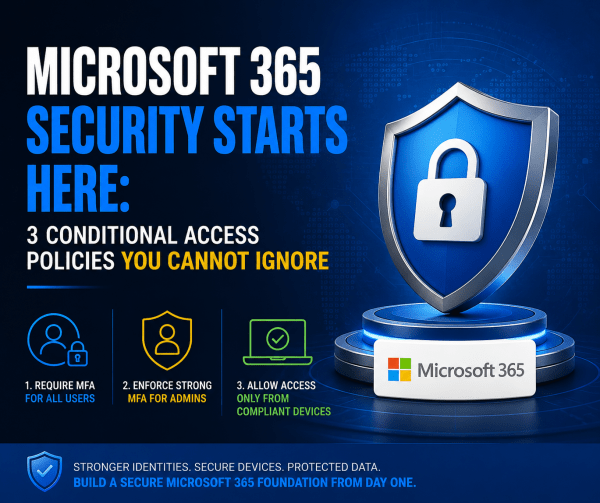
Most Microsoft 365 tenants are far less secure than organizations think. A password policy and a basic country block are not enough to stop modern attacks. This article breaks down the three Conditional Access policies every tenant should deploy from day one: strong MFA for all users, phish-resistant authentication for administrators, and device compliance enforcement through Intune. These foundational controls dramatically reduce the risk of account compromise, unauthorized access, and unmanaged devices accessing corporate data.
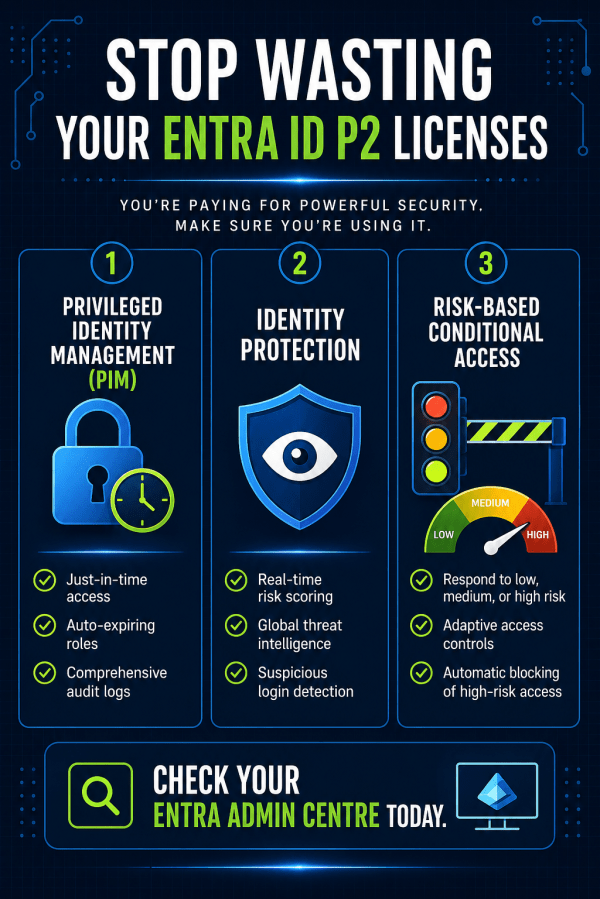
You’re Paying for Entra ID P2 – So Why Aren’t You Using It?
Most teams buy Entra ID P2, assign the licenses, and never touch the premium features. That's thousands wasted and your tenant left exposed. Here's how to actually use what you're paying for.
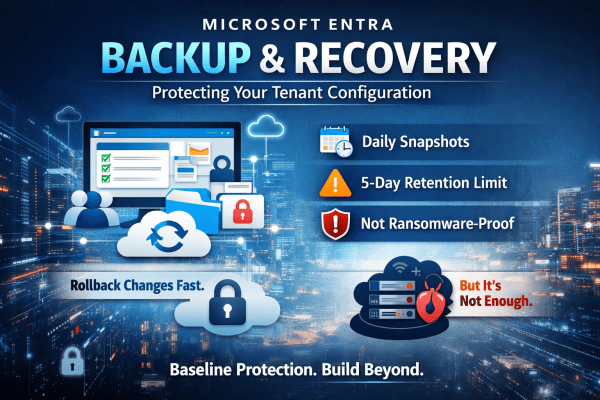
Microsoft Entra Backup and Recovery: Protecting Your Tenant Configuration
A single misclick in Microsoft Entra can break access across your entire tenant. No warning. No easy rollback. No backup you can rely on. Microsoft’s new Backup and Recovery feature changes that, but don’t assume it solves the problem completely. It gives you daily snapshots, limited rollback, and visibility into changes. Useful, yes. Enough on its own? Not even close. If you’re relying on it as your safety net, you’re already exposed. Here’s what it actually does well and where it falls short.
Understanding Intune’s Compliance Misleading Defaults
Most Intune environments look secure. Green ticks everywhere. Compliant devices. No obvious issues. But here’s the reality: a default setting can mark devices as compliant even when no policies are applied. No encryption checks. No OS validation. No real protection. That “secure” environment? It’s often just a dashboard illusion. If you’re relying on compliance without enforcing it through Conditional Access, you’re not controlling access, you’re just hoping nothing goes wrong. This post breaks down where it fails and how to fix it properly.
Sign-in Risk vs User Risk in Microsoft Entra ID: What’s the Difference?
Confused between sign-in risk and user risk in Microsoft Entra ID? You’re not alone. Misconfiguring these policies can lead to mass lockouts or leave your environment exposed. This guide breaks down the key differences, why both matter, and how to set them up correctly using Conditional Access.
New Outlook for Windows Explained: What IT Admins Need to Know in 2026
Microsoft’s New Outlook for Windows is gradually replacing the traditional desktop Outlook many businesses rely on. Built on the same technology as Outlook on the web, it introduces a cloud-first approach that changes how email is managed, supported, and secured. In this guide, we break down what the New Outlook actually is, when it launched, and what IT admins and Microsoft 365 organisations should know before switching.
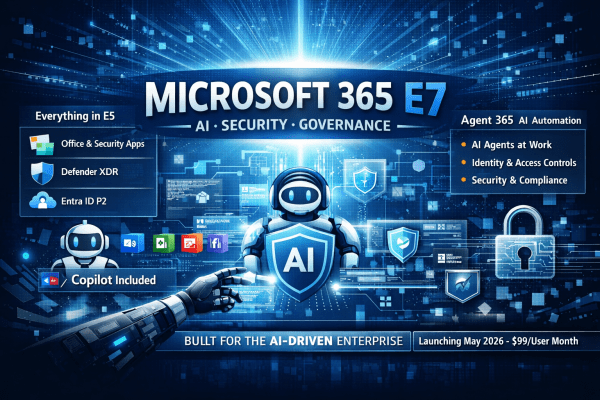
Microsoft 365 E7: The License That Turns AI from a Tool into a Workforce
Microsoft has introduced Microsoft 365 E7, a new top-tier enterprise license that goes beyond E5 by bundling Copilot, advanced identity controls, and AI agent governance. But E7 isn’t just another upgrade. It signals Microsoft’s shift toward organisations where AI assistants and autonomous agents become part of everyday work.
The Ultimate Guide to Secure BYOD: Mastering App Protection Policies Instead of Full Device Enrollment
BYOD offers flexibility, but it can also open the door to serious data risks if it’s not managed properly. Instead of taking full control of employees’ personal devices, modern security focuses on protecting the data itself. In this guide, you’ll learn how to secure company information on personal phones using Microsoft Intune App Protection Policies and Conditional Access, giving your team the freedom to work anywhere while keeping sensitive data locked down.
Secure Microsoft 365 Tenants Before Deploying Copilot: A Guide for MSPs
Clients are rushing to deploy Microsoft 365 Copilot, but most tenants are not ready. Weak security, inconsistent policies, and poor configuration can turn AI into a serious risk. Before you roll out Copilot, you need a secure, standardised foundation. Here’s how to protect your clients and position your MSP as the trusted expert.
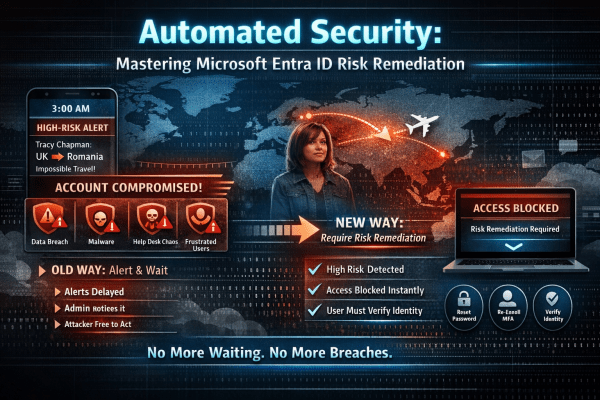
Automated Identity Defense: Smarter Conditional Access with Risk Remediation
High-risk user alerts at 3 a.m. are exhausting and dangerous. By the time an admin investigates, an attacker may already have full access to email, files, and sensitive data. Microsoft Entra ID changes that with Require Risk Remediation in Conditional Access. Instead of just sending alerts, it automatically blocks compromised accounts and forces secure recovery before access is restored. No delays. No ticket backlog. Just immediate containment and smarter identity protection for Microsoft 365.